Paper sizes for handouts
These are common design sizes, not a promise that every size is selectable for every product. Check the flyer or brochure configurator before preparing a final file.
| Finished size | Dimensions | Planning use | Artwork check |
|---|---|---|---|
| A6 | 105 × 148 mm | Compact handout or voucher | Keep small text readable at actual size. |
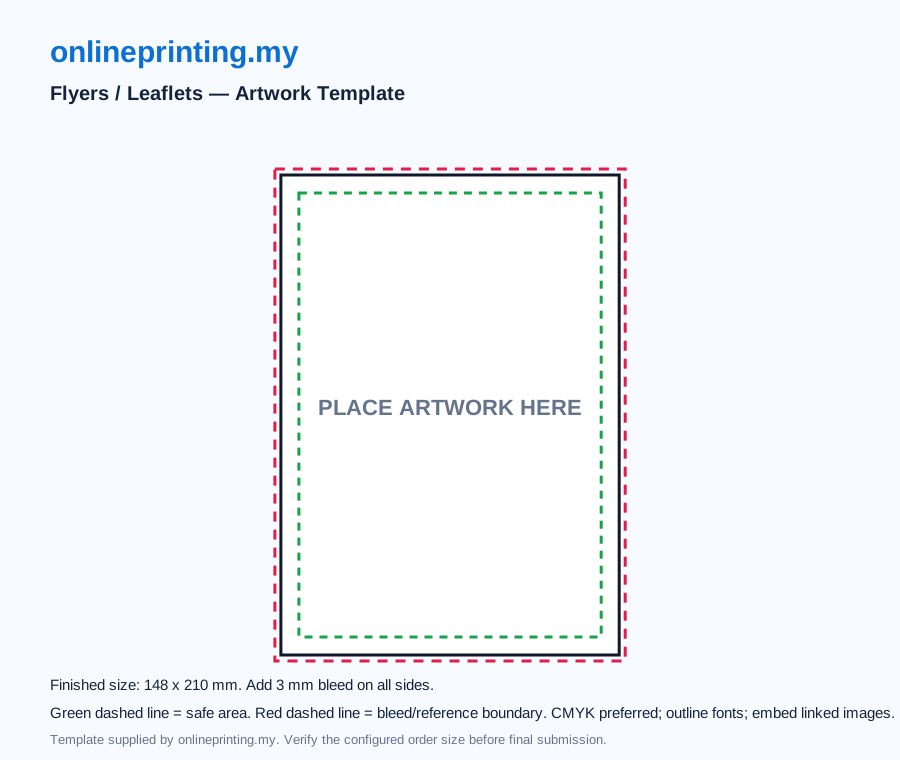
| A5 | 148 × 210 mm | Flyer or event programme insert | The existing A5 flyer reference SVG shows a 3 mm bleed boundary; verify your order size. |
| A4 | 210 × 297 mm | Information sheet or starting sheet for a folded brochure | Confirm the flat sheet and folded panel dimensions with the selected finishing. |
Folded brochures need a panel plan
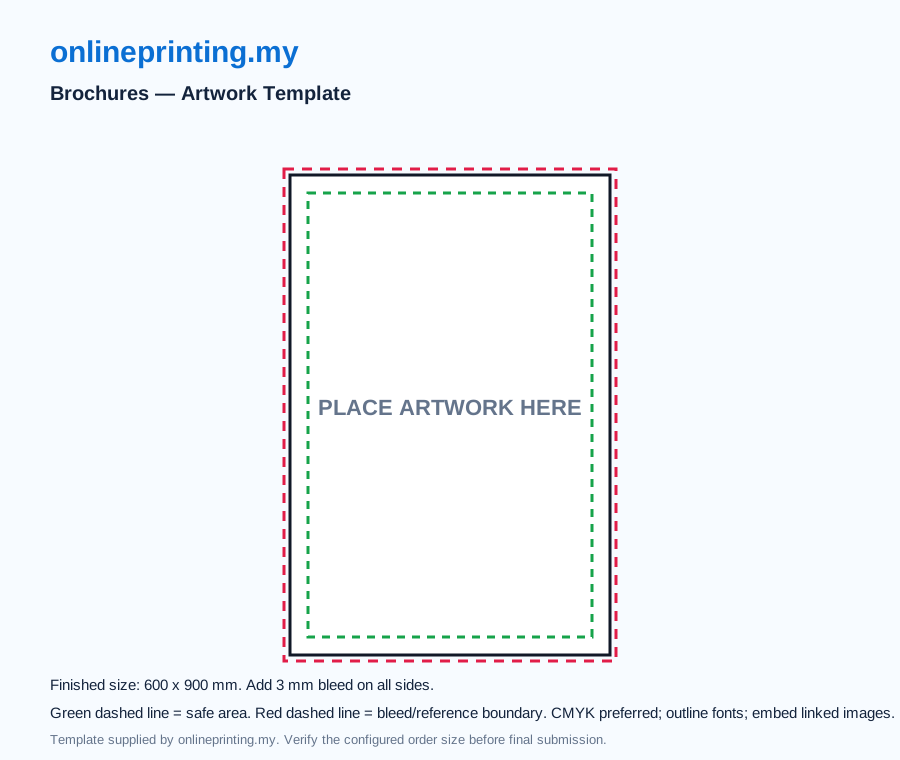
A bi-fold has two panels; a tri-fold and Z-fold have three. The final folded size depends on the flat sheet and fold direction. A roll-style tri-fold may need one panel slightly narrower to tuck inside, while a Z-fold uses alternating folds. Confirm the exact panel measurements for your order before placing headlines, QR codes and important details near a fold. The current brochure SVG is only a reference outline and does not establish a finished folded size.
Bunting, banner and backdrop presets
These are the presets currently listed in the catalogue. Custom sizes and product availability should be confirmed in the configurator or by quotation. Keep text and faces clear of any pole pocket, eyelet or seam area.
| Product | Listed presets | Typical planning question |
|---|---|---|
| Bunting | 2 × 5 ft; 2 × 6 ft | Where will it hang, and is a pole pocket or cut edge needed? |
| PVC banner | 2 × 6 ft; 3 × 8 ft; 4 × 10 ft; 8 × 20 ft | How will the banner be fixed and viewed? |
| Event backdrop print | 8 × 8 ft; 10 × 8 ft; 16 × 8 ft; 20 × 8 ft | Is the job a print only, or does it need a structure and installation quote? |
Bleed, safe area and export
- Set the artboard to the confirmed finished size, then add the bleed required for that product. A 3 mm bleed is a common small-format reference, but large-format finishing can require different allowances.
- Extend backgrounds past the trim line. Keep logos, QR codes and essential text inside the safe area, away from folds and finishing.
- Export a print PDF with the document bleed included and inspect it at actual size. Remove reference guides from the production file.
- Use the product's template and artwork guide; ask for a custom review if the construction is unusual.
The preset labels list dimensions, but do not establish which side of your artwork is horizontal. Confirm width, height, orientation and units in the configurator or quotation before ordering.